7 stories
·
0 followers

New AirSnitch attack bypasses client isolation in Wi-Fi networks

1 Share

A new attack dubbed AirSnitch enables full machine-in-the-middle (MitM) capabilities on Wi-Fi networks where client isolation is enabled, affecting both home routers and enterprise deployments. The research was conducted by researchers from the University of California, Riverside, and KU Leuven’s DistriNet group. The team presented their findings at the Network and Distributed System Security (NDSS) …

The post New AirSnitch attack bypasses client isolation in Wi-Fi networks appeared first on CyberInsider.

Read the whole story
ArneBolen
3 hours ago
reply
Planet Earth
Share this story
Delete

Upgrades from Zorin OS 17 to 18 Are Now Available

1 Share
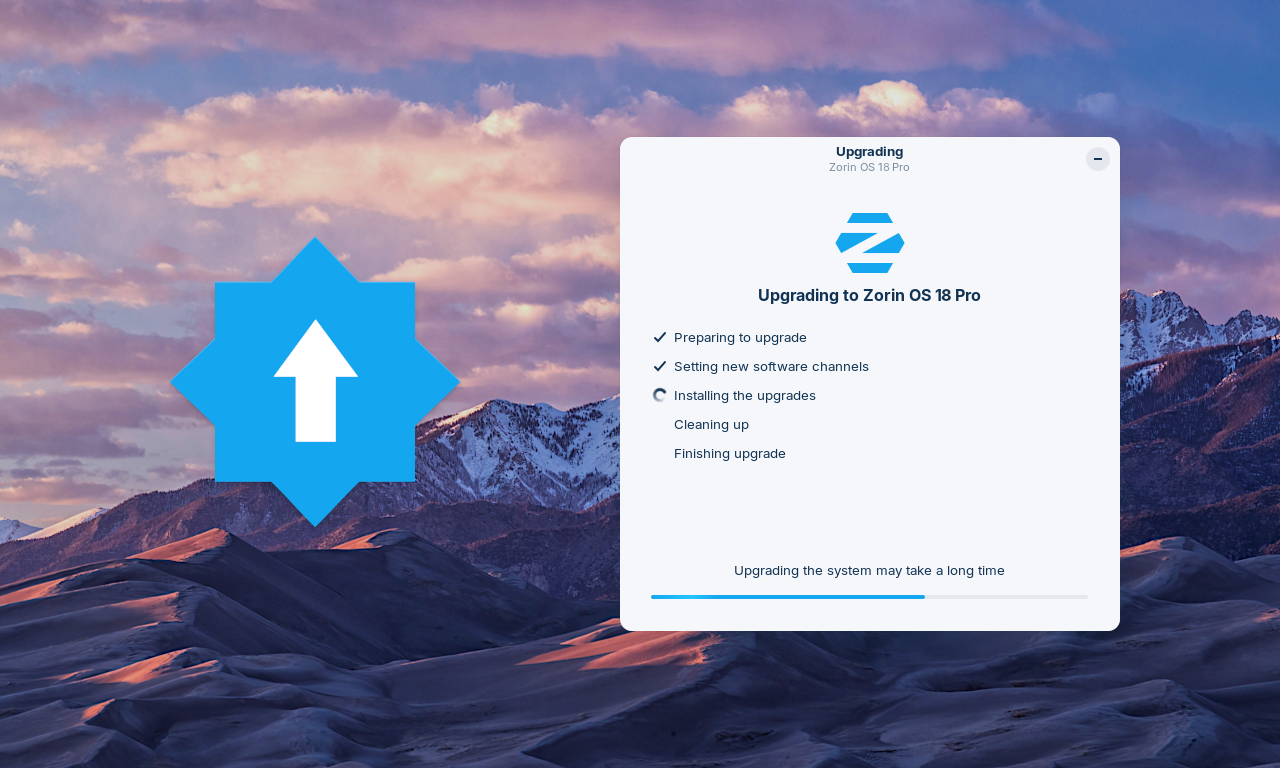
Zorin OS Upgrader app and icon on the Zorin OS 18 wallpaper

We’re excited to launch upgrades from Zorin OS 17 to 18 today!

If you’re using Zorin OS 17, you can now upgrade your computer to Zorin OS 18 directly using the Upgrade Zorin OS app, without needing to re-install the operating system.

That means you’ll be able to keep your files, apps, and settings, all while taking advantage of the new features and improvements in Zorin OS 18.

What’s new in Zorin OS 18 ›

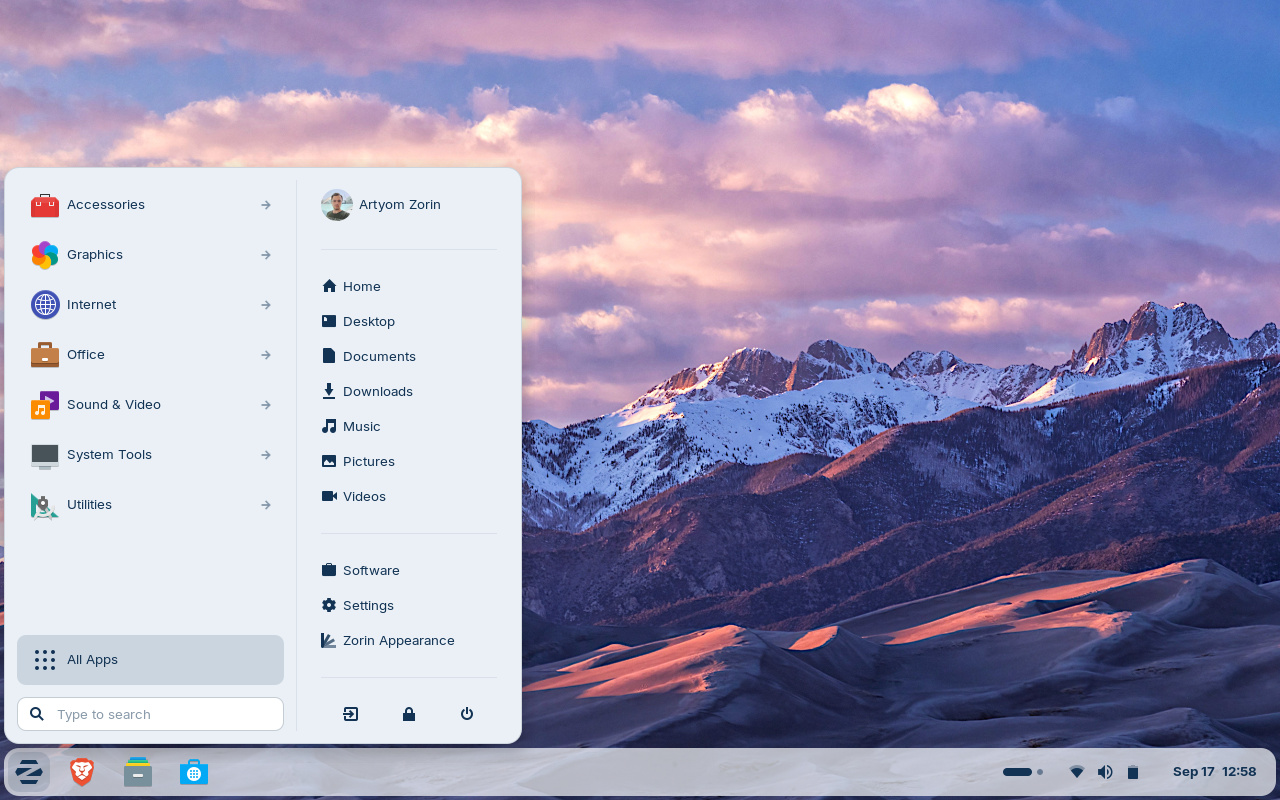
Zorin OS 18 desktop

The response from users, tech reviewers, and creators about the Zorin OS 18 release has been incredible:

“All-in-all, the ZorinOS team has taken a great Linux desktop OS and made it even better.”

– ZDNET

“[Zorin OS 18] is legitimately impressive… it’s surprisingly capable and it might just save you from buying a new computer that you don’t actually need”

– Austin Evans

“Zorin OS 18 is very polished indeed and an excellent choice for those seeking to migrate from Windows…”

– ExplainingComputers

“Zorin OS is a standout choice for ex-Windows users… It’s one of the best free Linux variants that actually feels like Windows”

– PC World

We’re thrilled to finally make this major new version of Zorin OS available to the millions of existing Zorin OS 17 users today.

How to upgrade from Zorin OS 17 to 18

  1. To avoid data loss, please back up all important files on your computer to an external drive or cloud storage service. Learn how to back up your files ›
  2. Install the latest software updates by opening the Zorin Menu → System Tools → Software Updater and following the on-screen instructions.
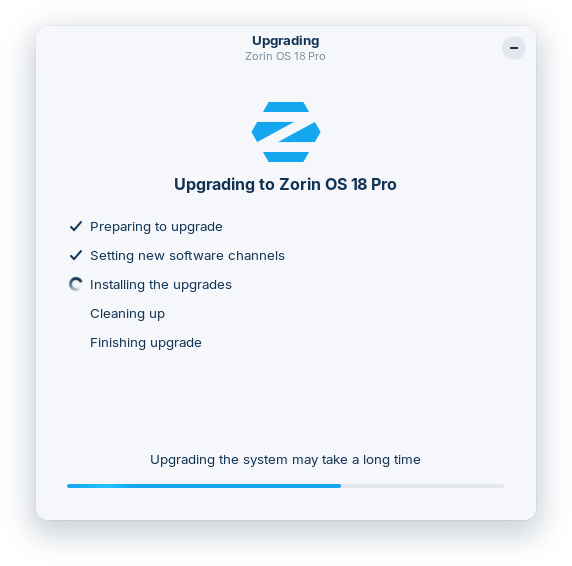
  3. Open the Zorin Menu → System Tools → Upgrade Zorin OS to start the upgrade process.
Upgrader

The upgrade to Zorin OS 18 is currently available to all users of the Zorin OS 17 Core, Pro, and Education editions. Subscribe to our newsletter to be the first to know when the upgrade to Zorin OS 18 Lite will be available in the coming weeks.

Subscribe to the Zorin Newsletter

Existing Zorin OS Pro customers are eligible for a discount on the new Zorin OS 18 Pro. To avail of this discount, select the “Zorin OS 18 Pro” option in the Upgrade Zorin OS app and enter your email address & the Support Code from your previous copy of Zorin OS Pro. Every purchase supports the development of Zorin OS and the Open Source ecosystem, for the benefit of all.

Thank you to the testers

Finally, we would like to take this opportunity to thank all the users who tested this upgrade path. Your feedback has helped us to improve the stability and user experience of the upgrade process.

Read the whole story
ArneBolen
3 hours ago
reply
Planet Earth
Share this story
Delete

Global and folder-scoped intelligence training: Train once, apply everywhere

1 Comment and 2 Shares

Until now, the Intelligence Trainer was strictly per-feed. Train a title, author, or tag on one site and it only affected that site. If you wanted to hide a topic everywhere, you had to repeat that training on each feed. With a few feeds, that’s fine. With a hundred, it’s tedious. With five hundred, it’s a non-starter.

If you’re a Premium Archive subscriber, you can now set any classifier to apply globally across all your feeds, or scoped to a specific folder. Train “sponsored” as a dislike once, and it hides sponsored stories everywhere. Train “kubernetes” as a like in your Tech folder, and it highlights kubernetes stories across every feed in that folder without touching the rest of your subscriptions.

Three scope levels

Every classifier pill in the Intelligence Trainer now shows three small scope icons on the left: a feed icon, a folder icon, and a globe icon.
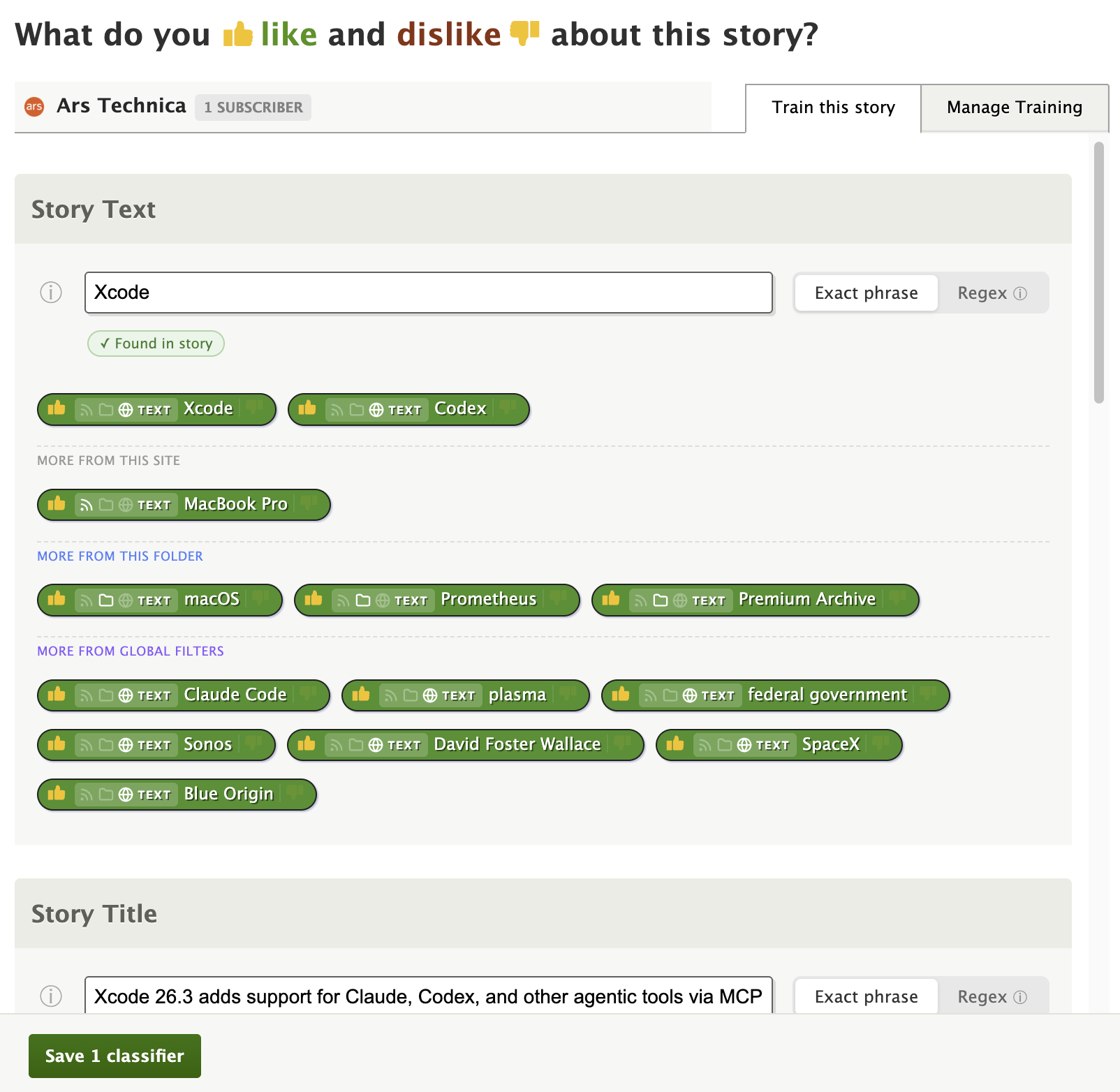
  • Per Site (feed icon) — The default. The classifier only applies to the feed you’re training. This is how classifiers have always worked.
  • Per Folder (folder icon) — The classifier applies to every feed in the same folder. If you later move the feed to a different folder, the classifier stays tied to the original folder.
  • Global (globe icon) — The classifier applies to every feed you subscribe to.

Click any scope icon to switch. The active scope is highlighted, and a tooltip explains each level. Your choice is saved with the classifier.

Real-world examples

Hide a topic everywhere. Subscribe to lots of news feeds but never want to read about a recurring topic? Open the trainer on any feed, add the topic as a text or title classifier, thumbs-down it, and click the globe icon. Done — it’s hidden across all your feeds.

Focus on a topic within a folder. Have a “Tech” folder with 40 feeds? Train “machine learning” as a like with the folder scope, and every feed in that folder will surface machine learning stories in your Focus view. Your cooking and sports feeds stay untouched.

Dislike a prolific author. Some authors are syndicated across multiple sites. Instead of training the same author name on each feed, set it to global and it applies everywhere at once.

Manage Training scope filter

The Manage Training tab now includes a scope filter alongside the existing sentiment, type, and search filters. You can quickly see all your global classifiers, all your folder-scoped classifiers, or narrow down to just per-site training.
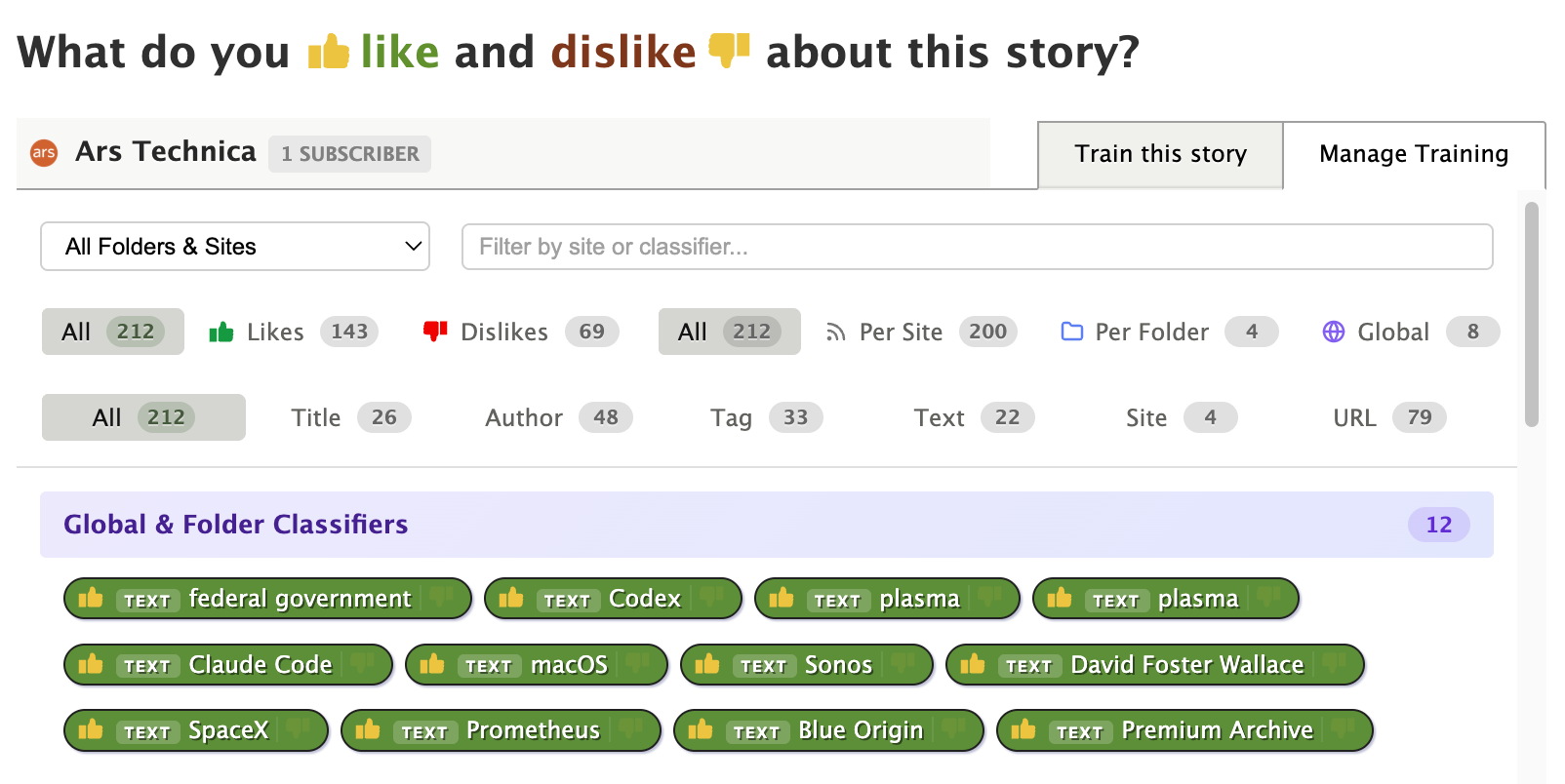
Each classifier pill in the Manage Training list also shows a small colored scope badge, so you can tell at a glance whether a classifier is site-level, folder-level, or global.

How scoping works under the hood

When NewsBlur scores a story, it checks all classifiers that apply to that story’s feed — including any folder-scoped classifiers for the feed’s folder and any global classifiers. The same “green always wins” rule applies: if a story matches both a liked global classifier and a disliked per-site classifier, the story is marked as Focus.

Scope controls work with all classifier types: titles, authors, tags, text, and URLs. They also work with regex classifiers.

Subscription tiers

Feature Tier Required
Per-site classifiers (default) Free
Global and folder-scoped classifiers Premium Archive
Manage Training scope filter Premium Archive

Global and folder-scoped classifiers are available now on the web. If you have feedback or ideas for improvements, please share them on the NewsBlur forum.

Read the whole story
samuel
23 days ago
reply
Long-time ask, finally shipping.
San Francisco
ArneBolen
3 hours ago
reply
Planet Earth
Share this story
Delete

Perplexity’s new tool deploys teams of AI agents

1 Share


Read the whole story
ArneBolen
4 hours ago
reply
Planet Earth
Share this story
Delete

Perplexity Computer is agentic AI like OpenClaw but safer

1 Share


Read the whole story
ArneBolen
4 hours ago
reply
Planet Earth
Share this story
Delete

Perplexity launches Computer, wants AI to run tasks for months, not minutes

1 Share

Rather than relying on a single model, Perplexity AI's Computer system functions as an orchestrator across multiple models. Anthropic's Claude Opus 4.6 serves as the primary reasoning engine, while Gemini handles deep research tasks. Nano Banana generates images, Veo 3.1 produces video, Grok executes lightweight, speed-optimized tasks, and OpenAI's ChatGPT...

Read Entire Article

Read the whole story
ArneBolen
4 hours ago
reply
Planet Earth
Share this story
Delete
Next Page of Stories